 Flipkart Shipping Label Tool
Experience the power of automation with our label cropping tool. With automatic detection of length and width, you can say goodbye to manual measurements. Our tool intelligently adjusts the crop size based on the label length, ensuring a perfect fit every time. And to make product identification a breeze, the SKU is automatically entered on the label. Streamline your workflow and enhance efficiency with our automated label cropping solution.
Upload your files
Supports drag & drop or manual selection. We keep your files private.
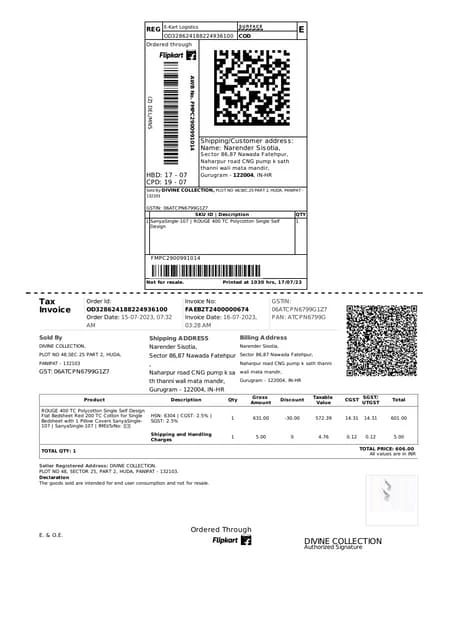
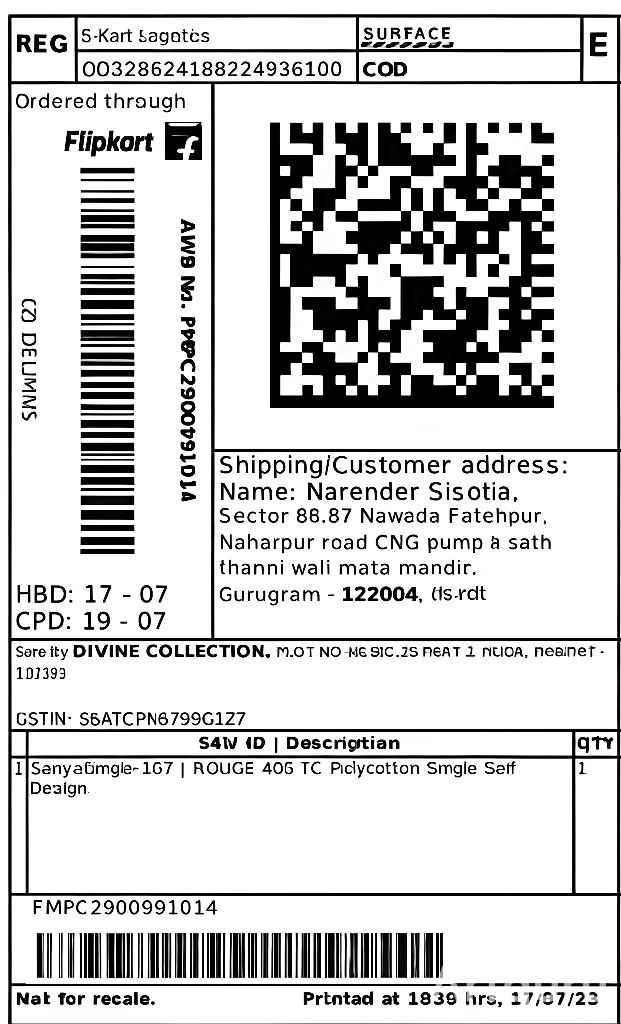
Upload Your PDF Files
Organize Your Documents
Organize PDFSelect Areas to Redact
How to Flipkart Shipping Label Files
Follow these simple steps to get professional-quality PDFs in seconds.
Click the 'Choose Files' button to select your order file.
Upload the file containing your Flipkart order details.
Review the order information and verify details.
Click the 'Generate Label' button to create the shipping label.
Wait for processing, then download your Flipkart shipping label.
Try our Flipkart Shipping Label Tools
Discover complementary tools tailored to streamline your workflow.
Generate shipping labels
Easily generate Flipkart shipping labels for your orders in PDF format.
PDF format labels
Get your shipping labels in high-quality PDF format for easy printing.
Batch processing
Process multiple orders and generate labels in bulk for efficiency.
Instant download
Download your generated shipping labels immediately after processing.
Print-ready labels
Labels are formatted and ready to print directly from the PDF.
Secure processing
All order data is processed securely to protect your information.