 Meesho Label With Invoice Tool
Use this simple Meesho input workspace to type or paste order details in a clean layout before you generate labels or invoices. Keep everything readable, organized, and ready for your next step.
Upload your files
Supports drag & drop or manual selection. We keep your files private.
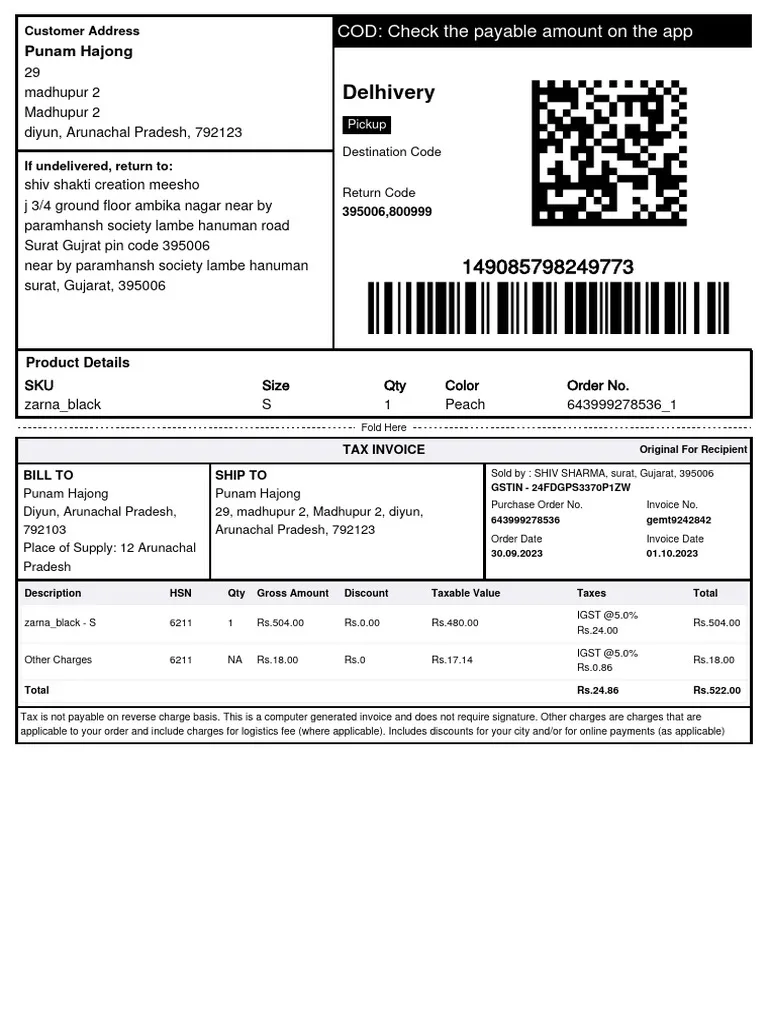
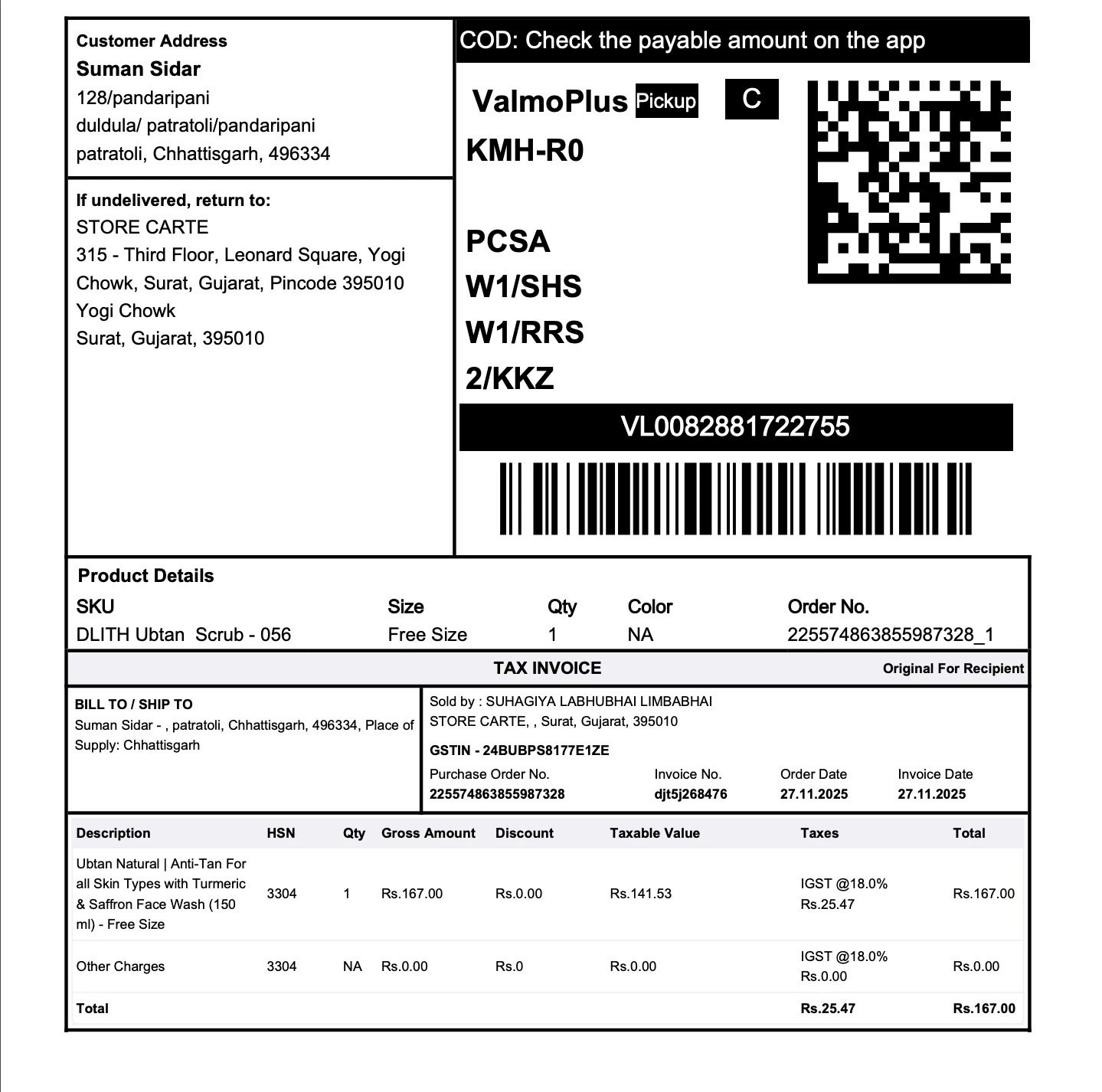
Upload Your PDF Files
Organize Your Documents
Organize PDFSelect Areas to Redact
How to Meesho Label With Invoice Files
Follow these simple steps to get professional-quality PDFs in seconds.
Open the Meesho Input Tool from the navigation or home page.
Type or paste your Meesho order information into the input area or upload your sheet.
Review and tidy up the customer, product, and shipping details.
When everything looks correct, continue to generate or download your labels from the next step.
Save or print your final documents for packing and dispatch.
Try our Meesho Label With Invoice Tools
Discover complementary tools tailored to streamline your workflow.
Focused input area
Work inside a distraction-free space that’s made just for Meesho order details.
Organized order view
Keep SKUs, quantities, prices, and addresses neatly aligned so you don’t miss anything.
Quick edits
Fix typos and adjust order information before you move on to label creation.
Ready for labels
Prepare your data in a format that’s easy to use with Meesho label tools or downloads.
Print-friendly workflow
Move smoothly from cleaned input to printer-ready documents in just a few clicks.
Safe handling
Your order information stays private and is only used while you work on the page.